Screen & shortlist 100+ resumes in minutes — without manual Excel work
Still spending hours copying data from resumes into Excel and manually screening candidates?
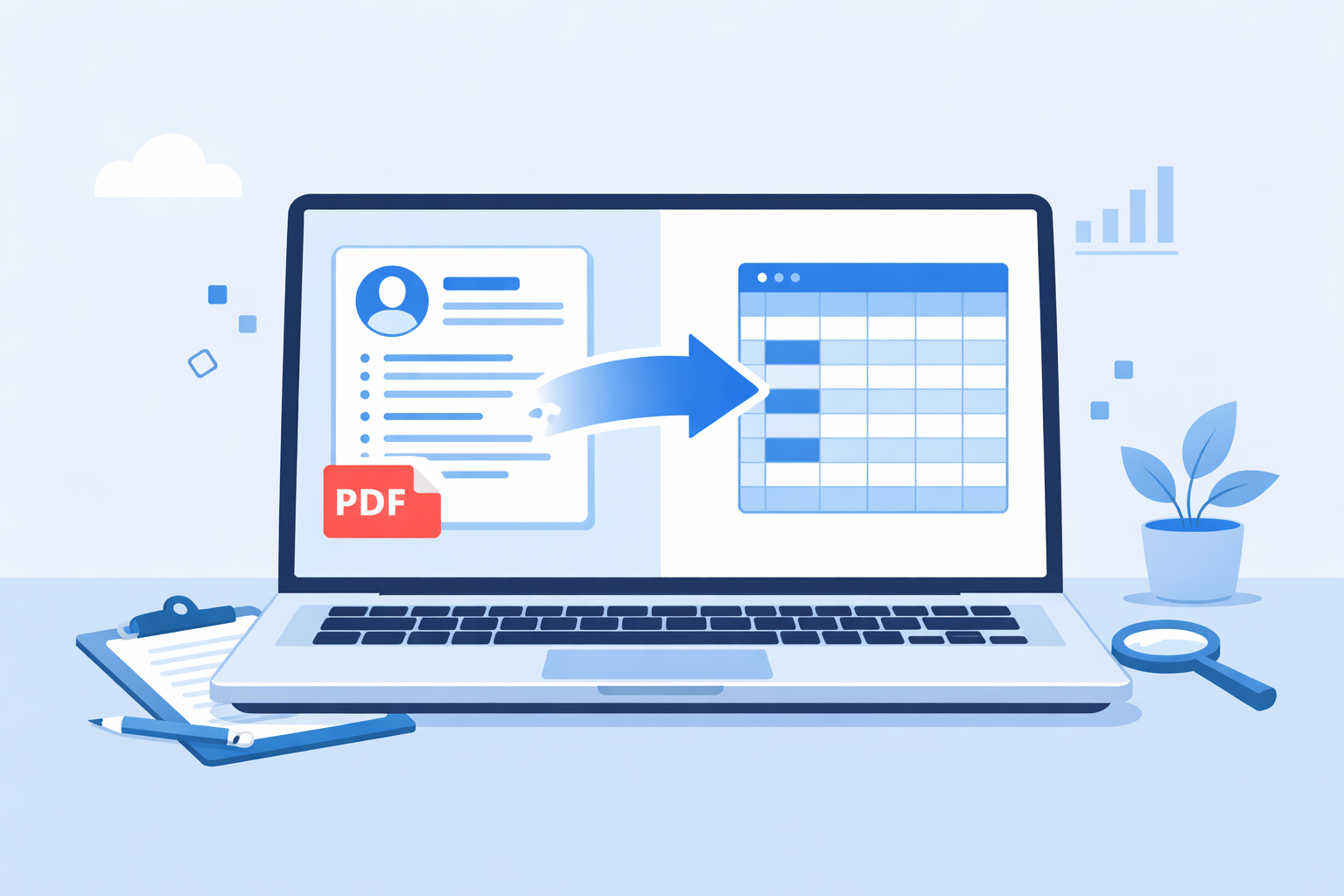
Upload multiple resumes and instantly get a structured Excel with all key candidate details. Add a job description and let AI automatically rank the most relevant candidates — no manual screening, no messy data.
Watch: Convert and screen resumes in under 30 seconds
Still spending hours screening resumes for a single role?
For one job opening, recruiters often receive 100–500+ resumes. Manually reviewing, shortlisting and updating Excel sheets can take 6–10 hours — slowing down hiring and increasing the risk of missing great candidates.
Too Many Resumes
Sorting through hundreds of resumes for a single role is overwhelming.
6–10 Hours Per Role
Manual screening and shortlisting can take an entire workday.
Repetitive Excel Work
Copying candidate details into spreadsheets slows everything down.
No Clear Shortlist
Hard to quickly identify and compare the best candidates.
From 8+ hours of manual work to minutes
Manual Screening
- ❌ Download resumes one by one
- ❌ Read and analyze each resume manually
- ❌ Copy details into Excel sheets
- ❌ Difficult to compare candidates
- ❌ High chance of missing top talent
Time Required
8 – 12 Hours
Traditional ATS
- ⚠ Stores resumes but limited automation
- ⚠ Basic filtering, no smart ranking
- ⚠ Manual effort still required
- ⚠ Shortlisting takes time
- ⚠ Excel export still needed
Time Required
3 – 5 Hours
ResumeToExcel AI
- ✔ Upload and process multiple resumes at once
- ✔ Automatically extract candidate data
- ✔ AI ranks candidates for your job role
- ✔ Get clean, structured Excel instantly
- ✔ Quickly identify top candidates
Time Required
5 – 10 Minutes
From resumes to shortlist in minutes
Convert Resumes to Excel
Candidate Resumes ➡ ⬇ Structured Excel
Upload multiple resumes and instantly get a clean, structured Excel file with candidate details like name, contact info, skills and experience — ready to filter, sort and use.
Upload Resumes FreeAI Candidate Screening
Job Description + Resumes ➡ ➡ ⬇ Ranked Candidates
Add a job description and let AI automatically compare, score and rank candidates. Get an Excel report with match percentage, key skills and missing skills — so you can shortlist faster.
Try AI ScreeningGet structured candidate data from every resume — instantly
ResumeToExcel converts unstructured resumes into clean, organized data so you can filter, sort and compare candidates without manual effort.
Candidate Name
Automatically identifies and extracts candidate names.
Email Address
Capture accurate email details for quick communication.
Phone Number
Extract contact numbers for easy follow-up.
Skills
Identify key technical and soft skills instantly.
Education
Extract degrees, institutions and academic details.
Work Experience
Capture roles, companies and experience details for quick evaluation.
Certifications
Identify certifications and achievements automatically.
LinkedIn Profiles
Capture LinkedIn profiles for deeper candidate insights.
Works with all common resume formats
Upload resumes in the formats candidates already use — no conversion needed.
PDF Files
DOC Files
DOCX Files
Built to save time and improve hiring decisions
Save Hours on Every Role
Reduce resume screening time from 6–10 hours to just minutes.
Ready-to-Use Excel Instantly
No manual formatting — get clean, structured data you can use immediately.
Focus on the Best Candidates
AI highlights the most relevant candidates so you don’t miss top talent.
Frequently Asked Questions
Quick answers to help you get started with resume conversion and AI screening.
- Full name
- Email address
- Phone number
- Skills
- Education
- Work experience
- Certifications
Trusted by Recruiters Who Hire Faster
Real feedback from recruiters using ResumeToExcel
Learn How to Screen Resumes Faster
Practical guides to help you convert resumes, extract data and speed up your hiring workflow.


Upload 2 resumes and get your Excel in under 30 seconds
No setup. No manual work. Just upload resumes and get a ready-to-use candidate report instantly.
Files are processed securely and automatically deleted after conversion. No data is stored.
Try Resume to Excel Try AI ScreeningNo signup required • Free demo available